Roadmap
[01] - Feb 2026
Research into VR Support
[02] - Mar 2026
Triggering full-on configs via hotkeys
[03] - Mar 2026
UI improvements
[04] - Apr 2026
iRacing stats
[05] - Apr 2026
Improved P2T notification and Overlay
[06] - tbd
VR Support is a long term goal
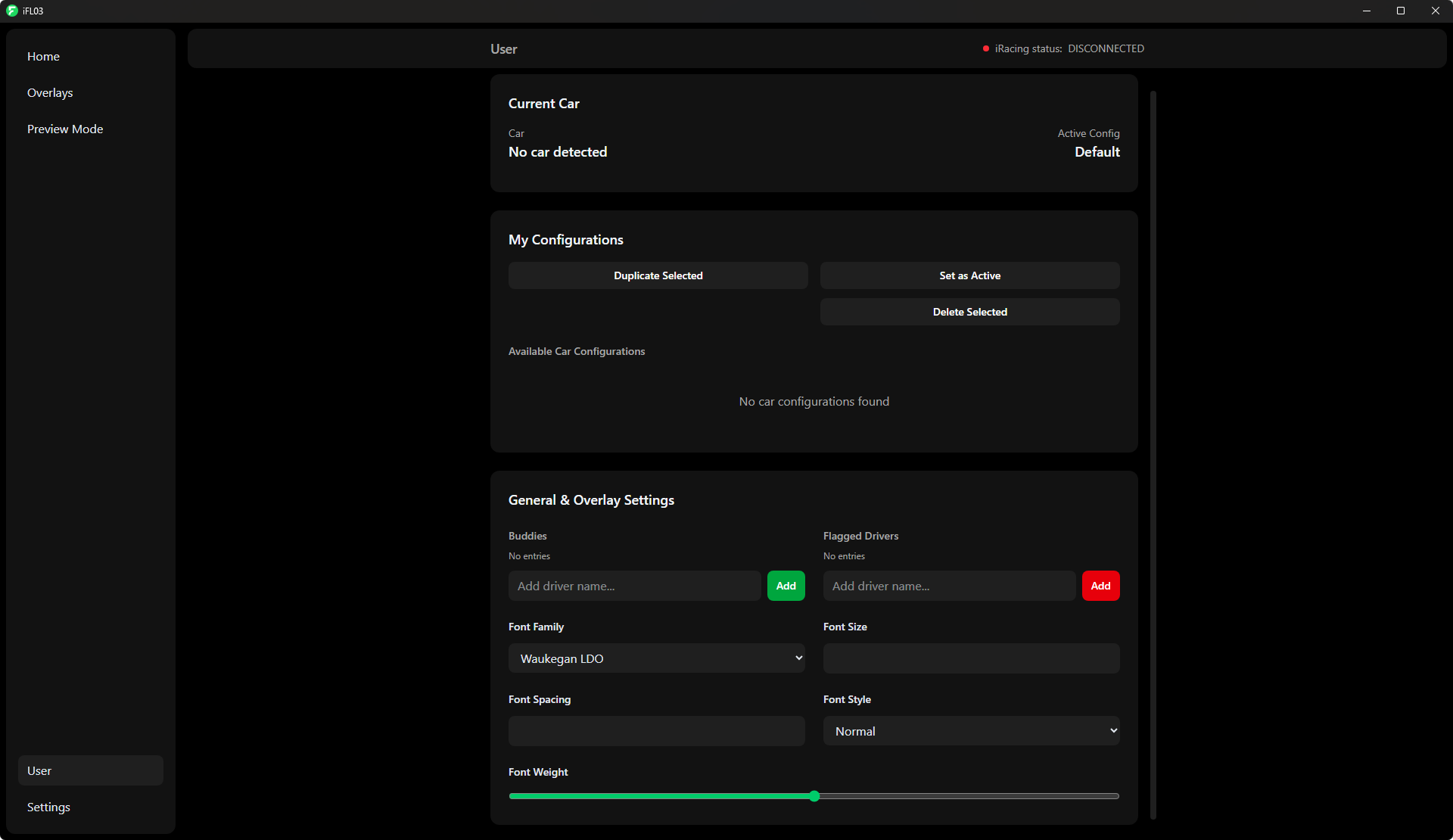
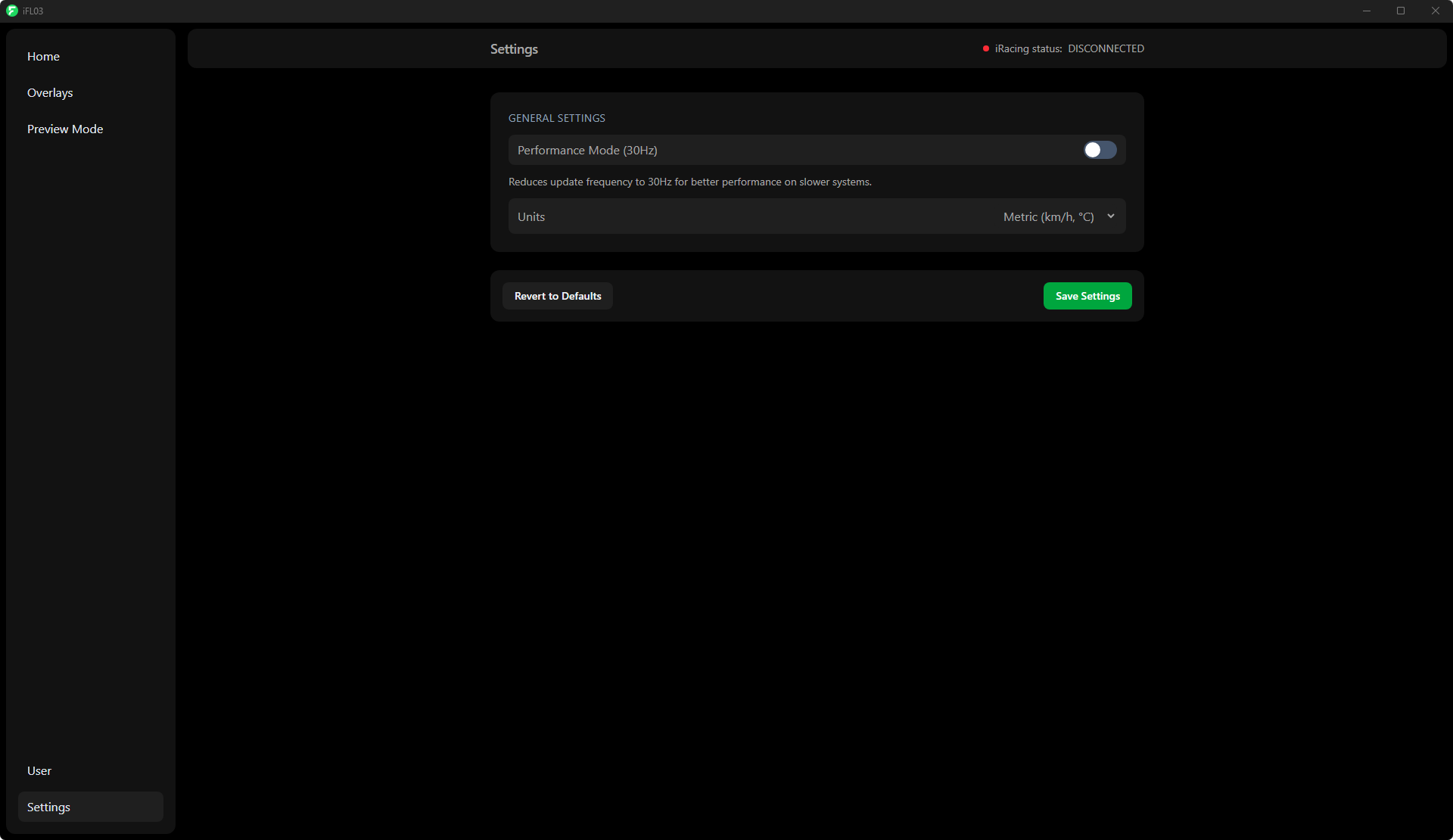
The UI
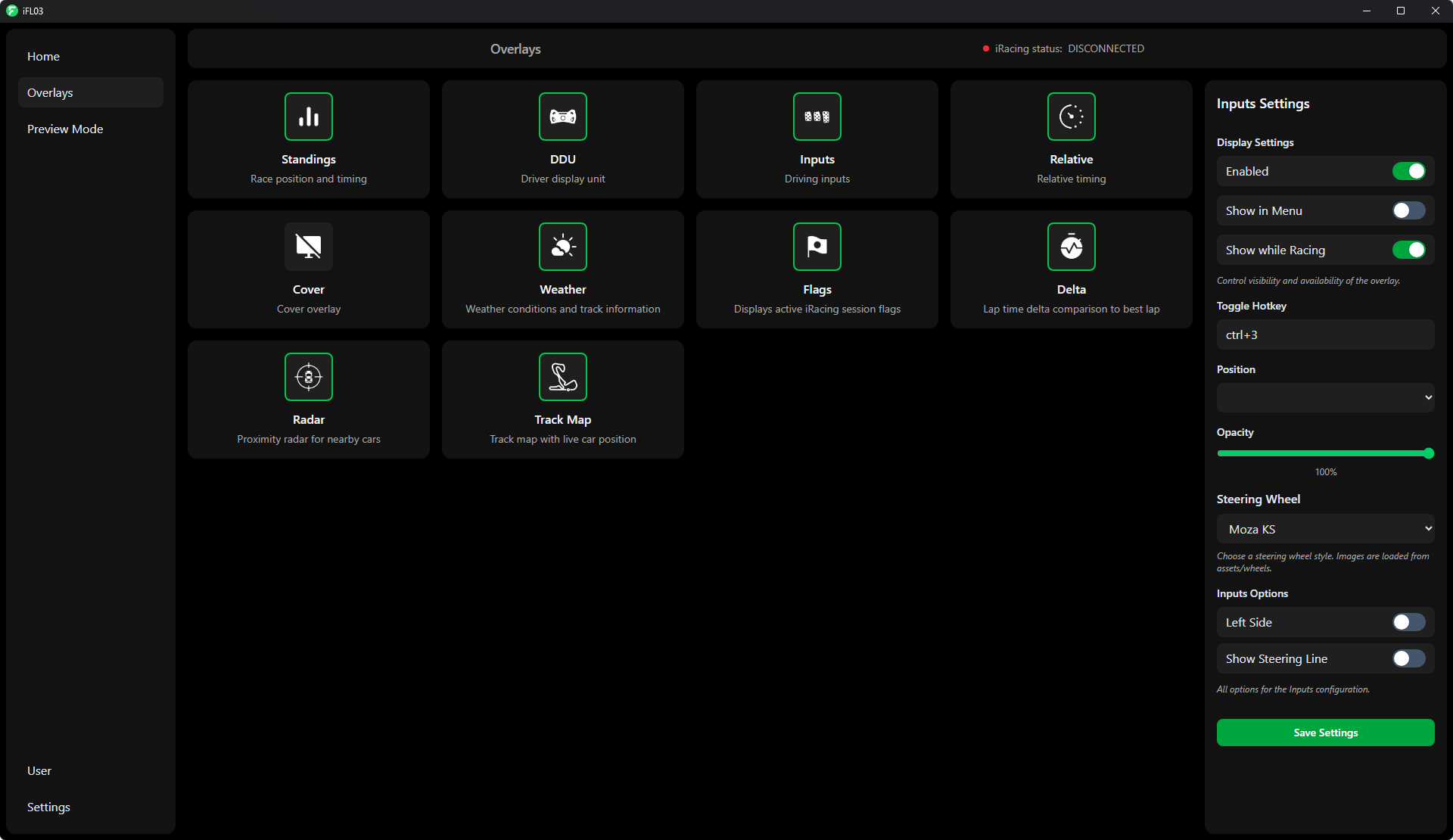
Overlays
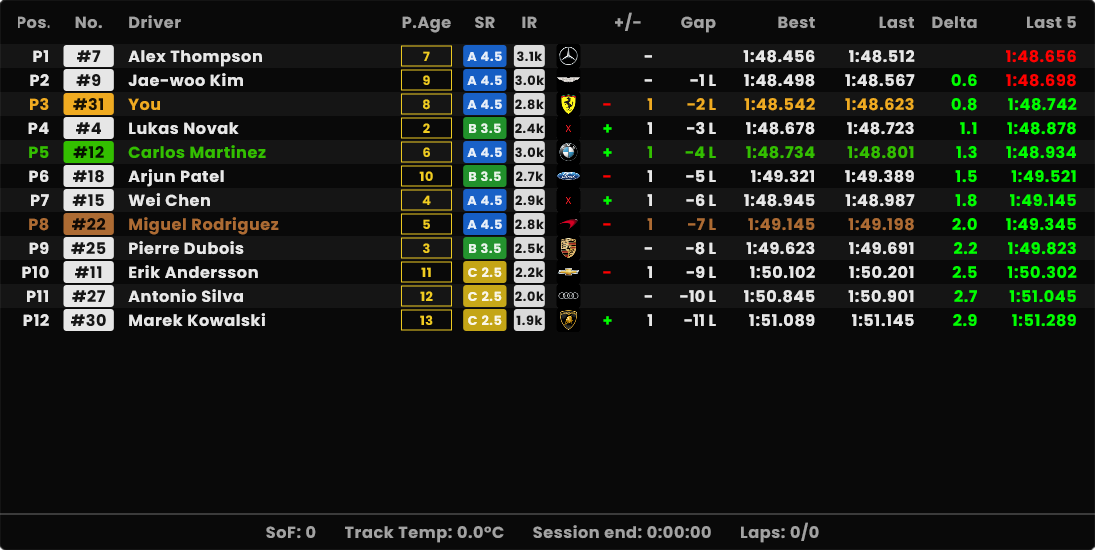
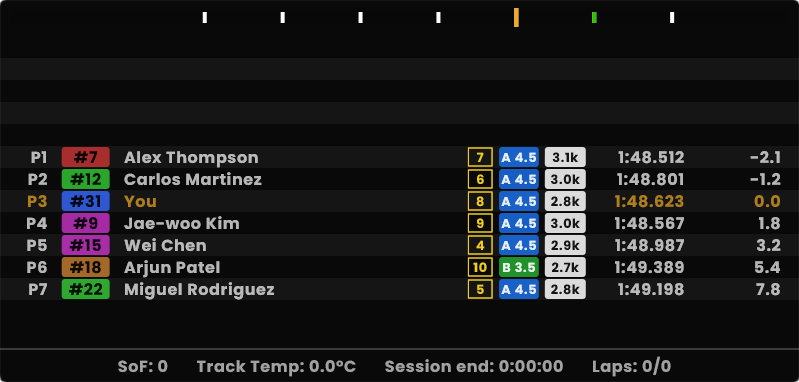
Standings
Classic overview of the session standings
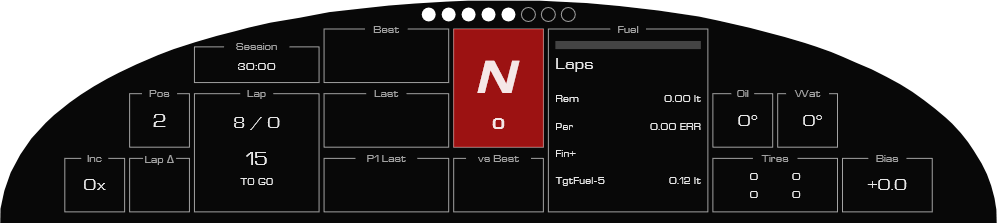
DDU
All in one dashboard for the driver with many features
Relative
Competitor list centered on your car with opitional minimap, and customizable columns
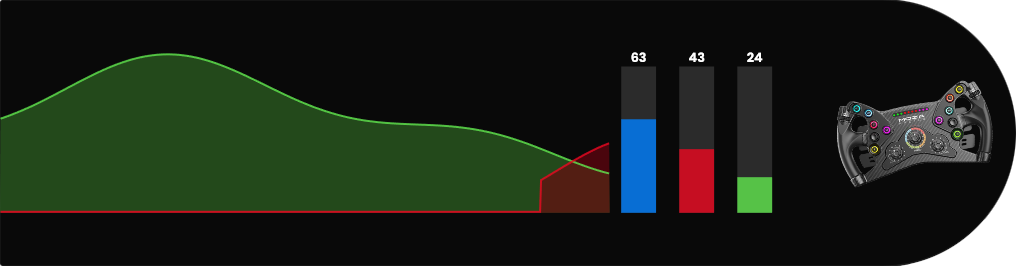
Inputs
Often used pedals and steering visualization for driving consistency
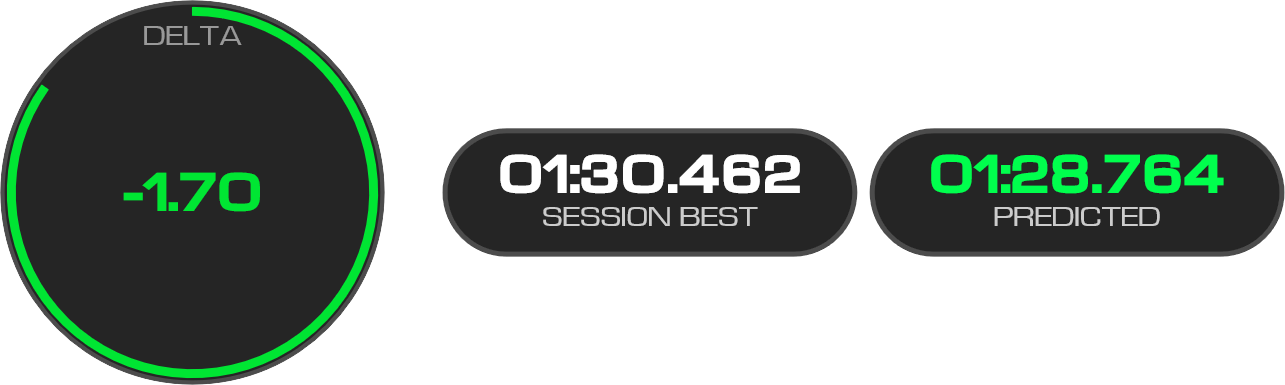
Delta
Circular delta with changeable reference time and predicted lap time
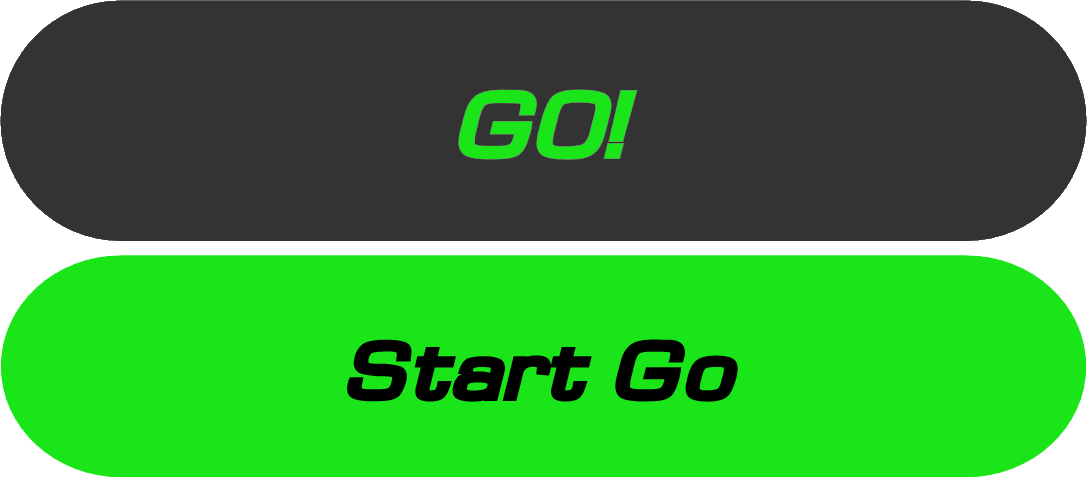
Flags
High contrast two band banner for session and race control flags
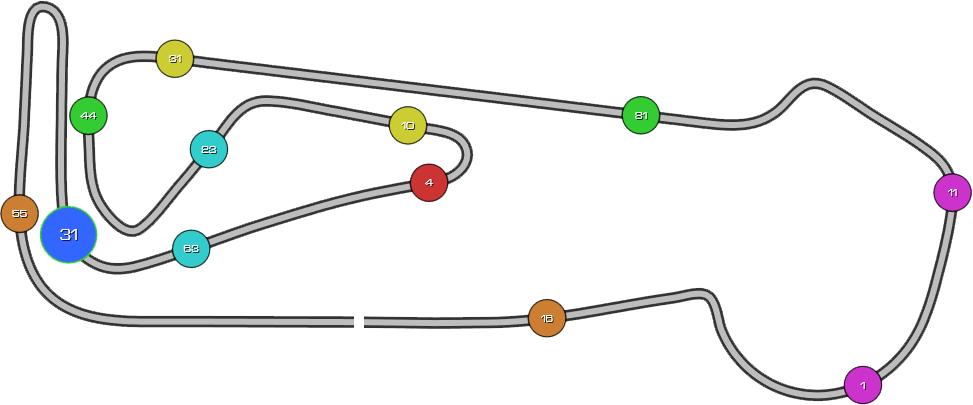
Track Map
Handcrafted trackmap with support for multi class racing
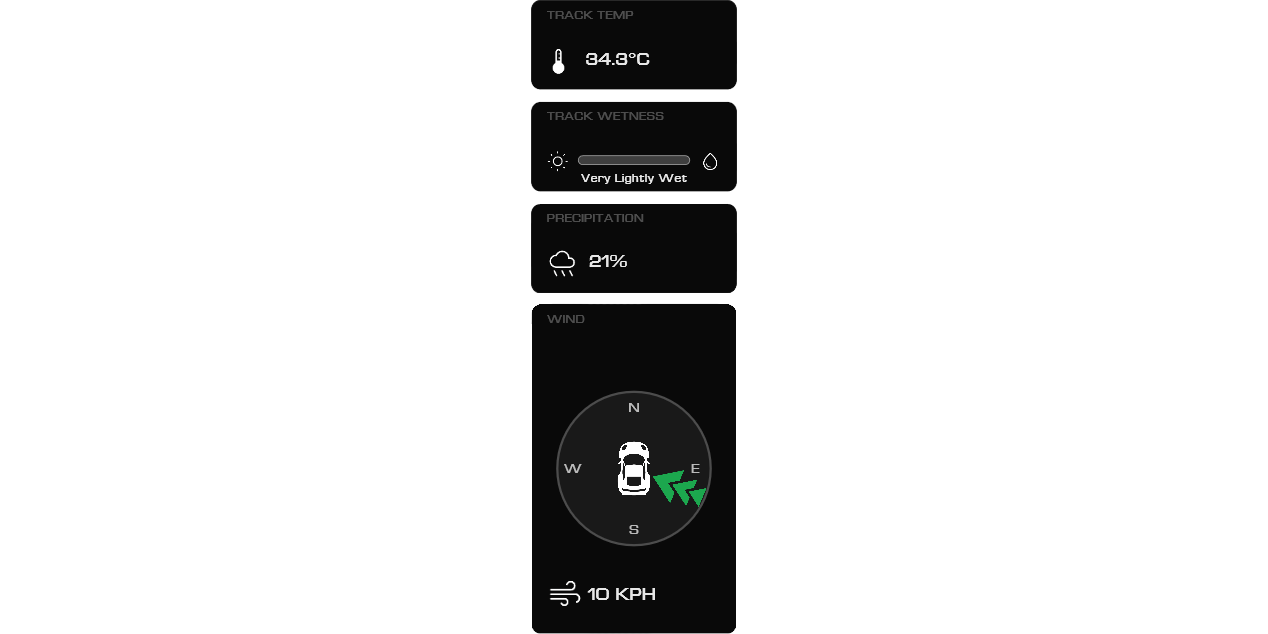
Weather
All in one weather overlay that displays all data relative to your car and track position
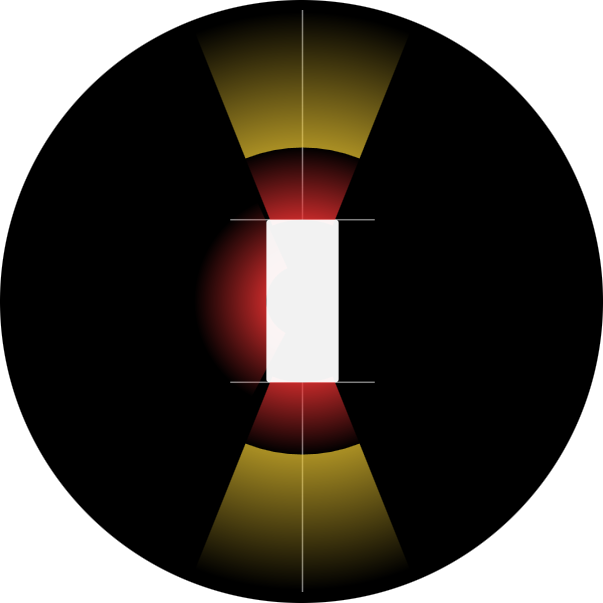
Radar
Proximity radar with customizable distance guides and sticky alerts
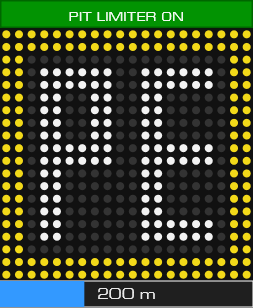
Pit
Pit stop progress bar with KM/h speed warning when entering/exiting pit road
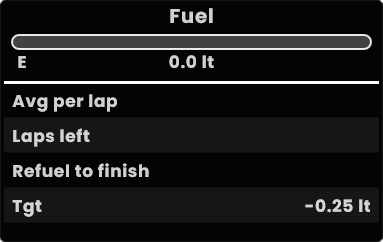
Fuel Calculator
Shows all data relative to your fuel level etc.
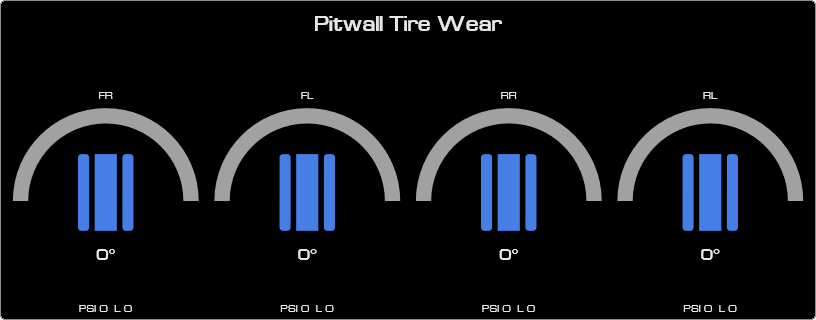
Tires
Tire wear and service indicators in pit lane. (no live updates)
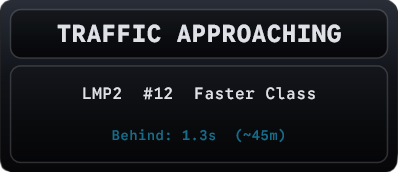
Multi Class
Displays a widget with carnumber and classname for a faster class that is approaching from behind.
Cover
Cover overlay to block privacy sensitive data (for streamers), yes it is just a square.

What's inside
Overlays
- Delta
- Flags
- Weather
- Relative
- Standings
- DDU
- Track
- Radar
- Inputs
- Pitlane
- Fuel
- Tires
- Cover
- Traffic
- Voice
Configuration
Seperate configurations per car, with the option to have multiple custom configurations for each car.
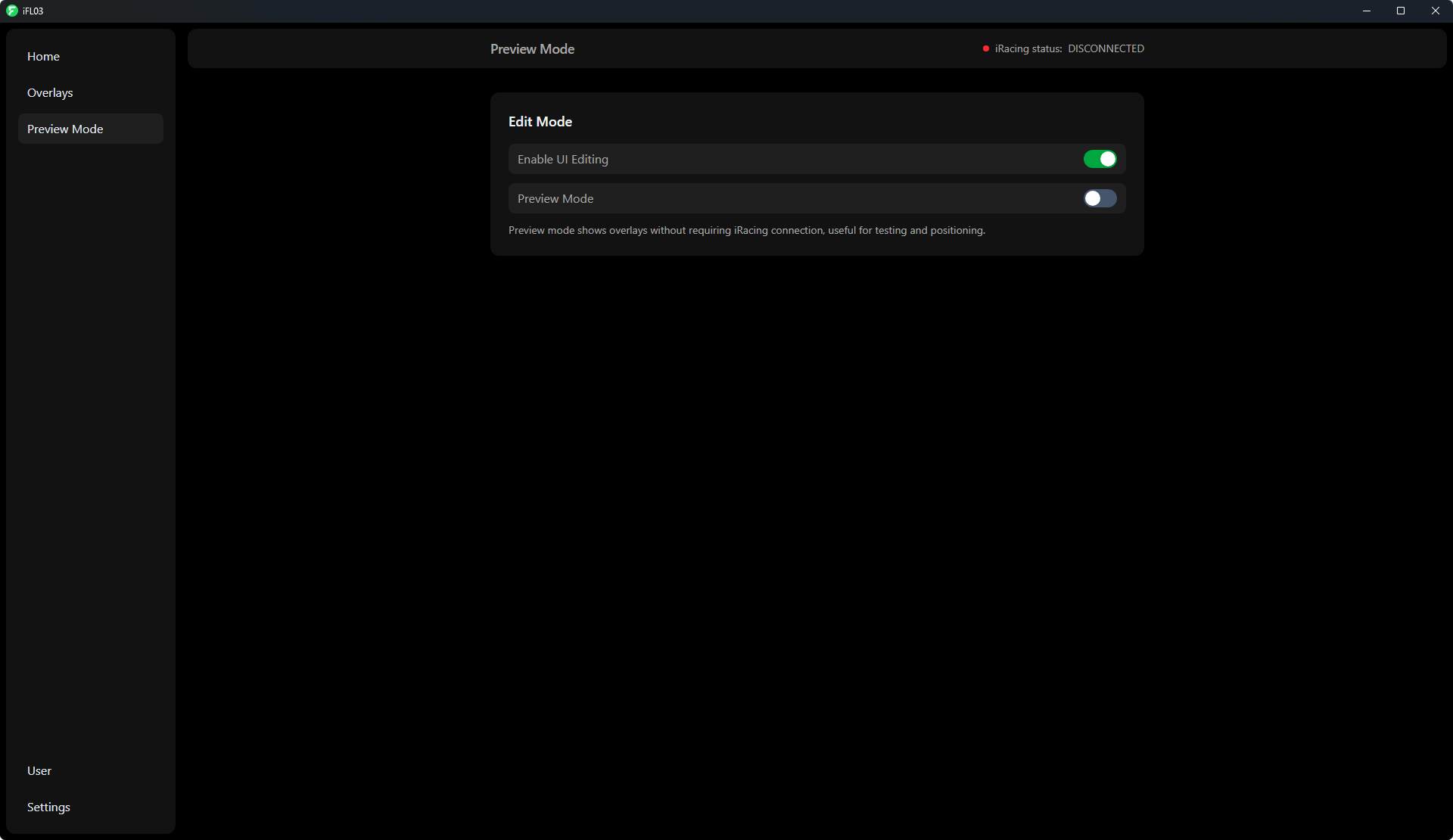
Preview Mode
To setup you overlays before you start iRacing, use Preview Mode to get your perfect setup.
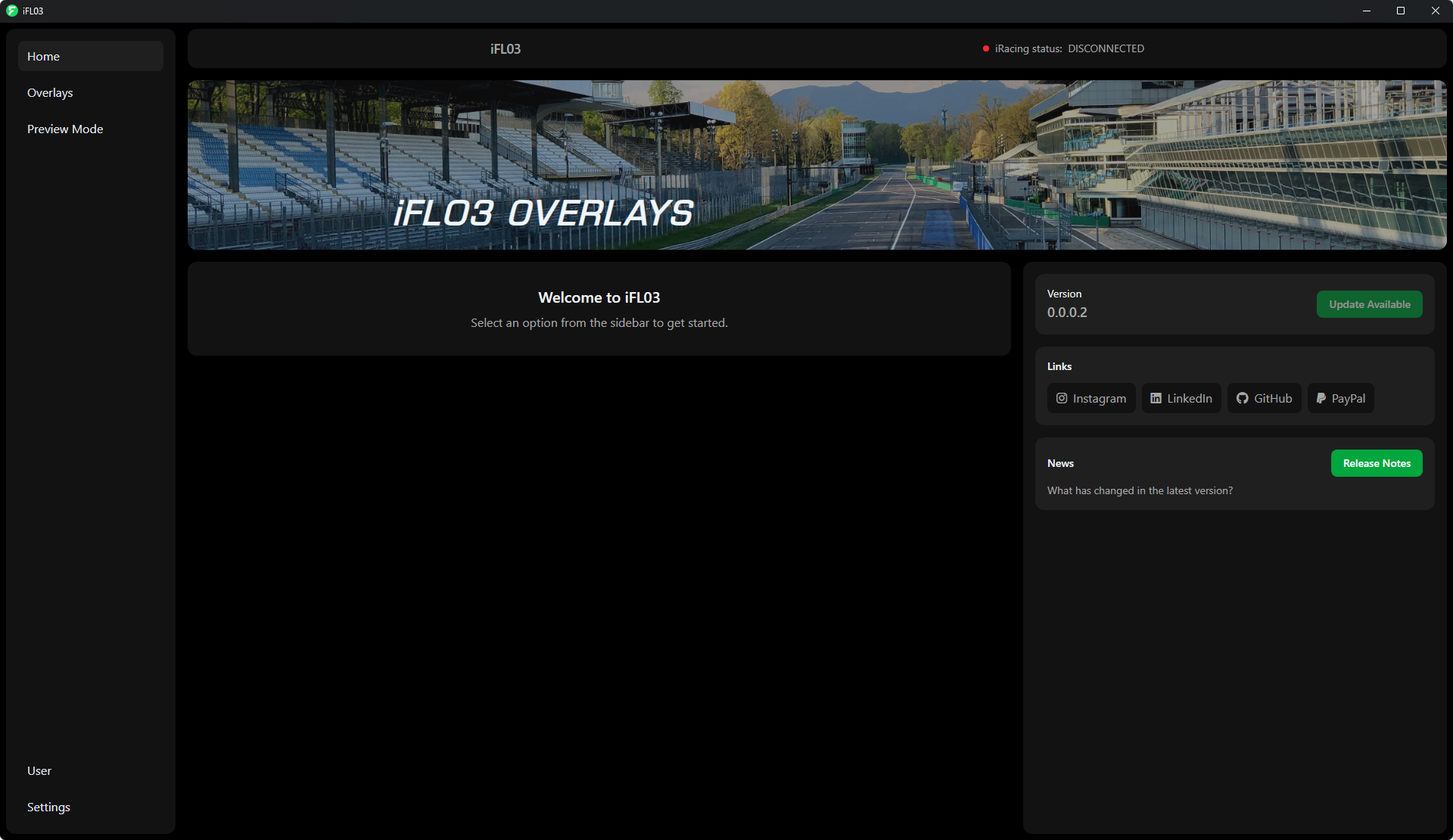
New Interface
A sleek and modern interface using CEF, for an intuitive setup experience.
Community Suggestions
If you have any suggestions, found bugs or have any feedback, create an issue in the repository.
Future VR Support
As of now VR has not been tested yet, this will be a long term goal, but I cannot yet add a date to it.
Install Guide
Download & Install
Get the latest iFL03 installer from the Github Releases. The setup is straightforward and installs all necessary components automatically.
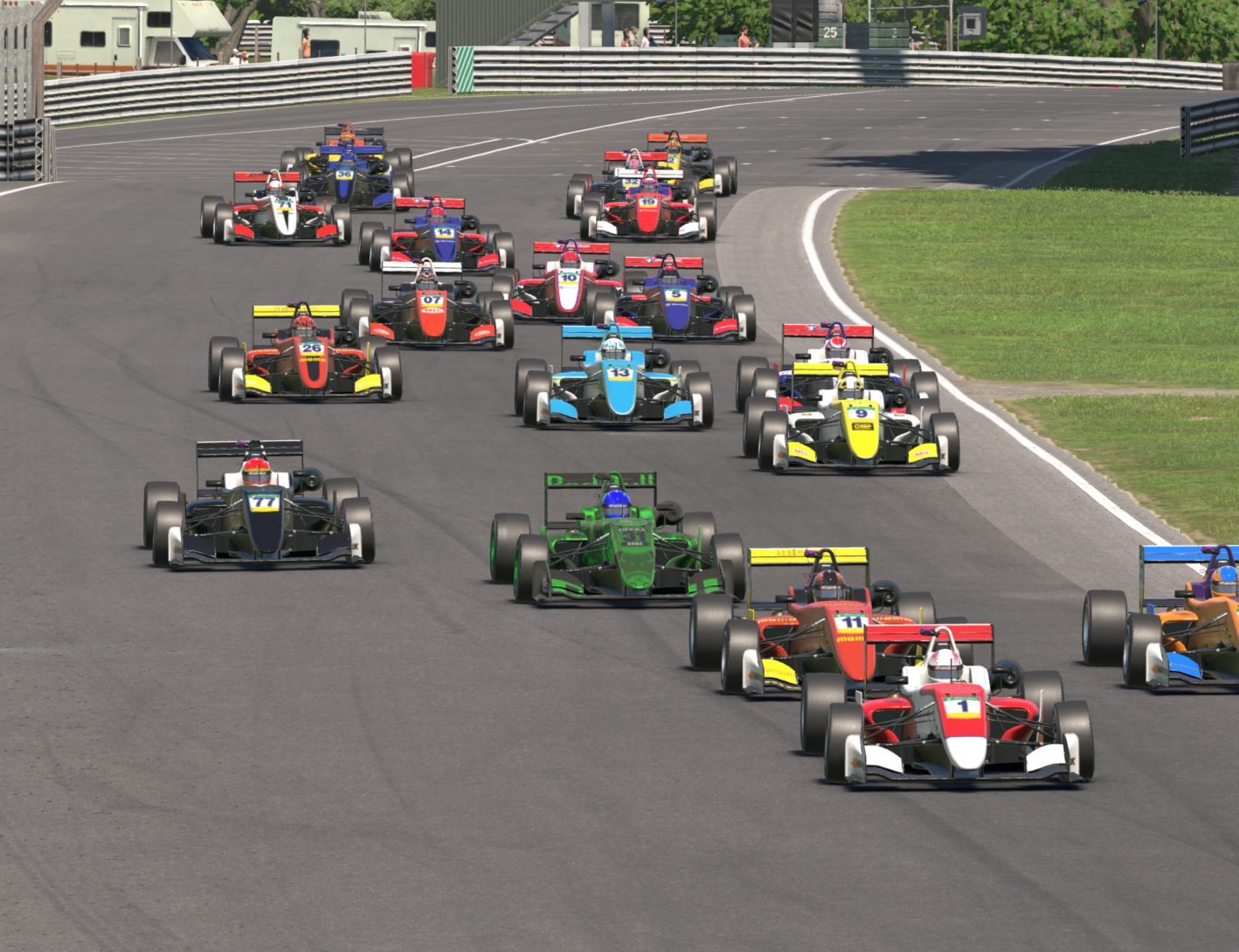
Launch & Configure
Start iFL03 and use Preview Mode to position your overlays perfectly before even opening iRacing. Customize colors, sizes, and positions to your liking.
Automatic iRacing detection
Real-time overlay positioning
C++ performance optimization
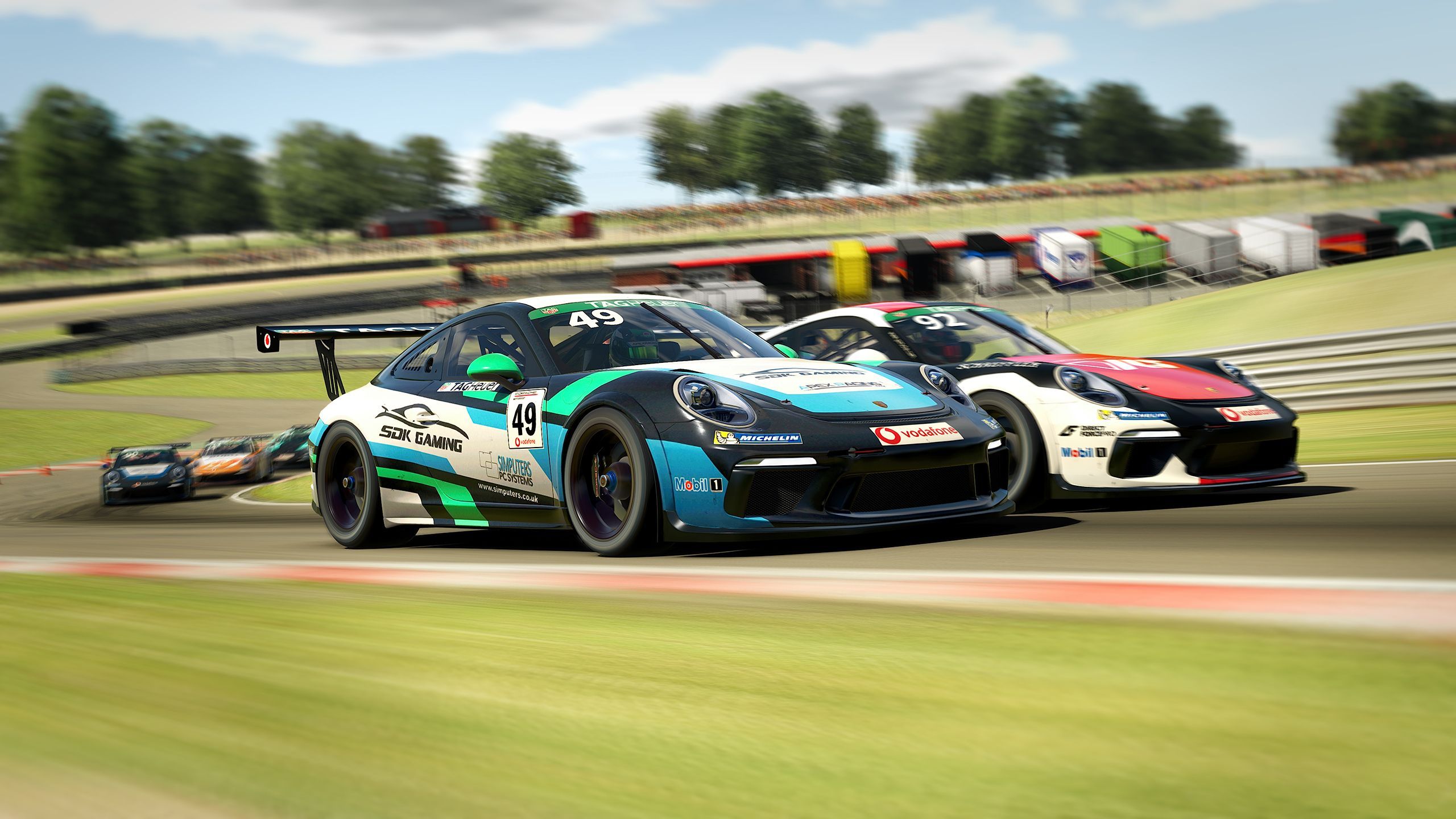
Race & Enjoy
Once you are on track in iRacing, your custom overlays will appear automatically, providing real-time data and insights throughout your session.
Overlays
- Delta
- Flags
- Weather
- Relative
- Standings
- DDU
- Track
- Radar
- Inputs
- Pitlane
- Fuel
- Tires
- Cover
- Traffic
- Voice